Website
Headless CMS: The Fix for WordPress Sites That Keep Breaking
TL;DR
WordPress relies on third-party plugins to do almost everything. Every update is a gamble with every plugin on your site. Over time, that stack gets heavier, more fragile, and more expensive to maintain. A headless CMS breaks that cycle by separating how you manage content from how it gets delivered.
It’s also dramatically more secure than a traditional CMS. There’s no public login, no PHP, and no database exposed to the web, so the bots constantly scanning for WordPress vulnerabilities find nothing to attack.
The Moment Every WordPress Site Eventually Hits
We’ve had this conversation internally more times than I can count. Every WordPress site eventually hits the same moment. An update comes in, someone clicks approve, and something breaks. A form stops working. A section disappears. A plugin that took three days to configure is throwing errors.
You didn’t do anything wrong. That’s just what happens.
WordPress depends on a web of third-party plugins to do almost anything useful. Contact forms. Image optimization. Pop-ups. SEO. Each one is maintained by a different developer, on a different schedule, with different priorities. When WordPress pushes an update, it’s essentially a stress test for every plugin on your site at the same time.
And the longer you run the site, the worse it gets. Every plugin you add is another dependency. Every dependency is something that can break, conflict with something else, or quietly go unmaintained until it becomes a security liability. By year three of a busy WordPress site, you’re not managing a website. You’re managing a fragile ecosystem you didn’t design and can’t fully control.
We’ve been talking about this problem for years. We think now is the right time to do something about it. Whether you’re a developer weighing architecture options or a content team tired of fighting the platform, here’s what you actually need to know about headless in 2026.
What Is a Headless CMS?
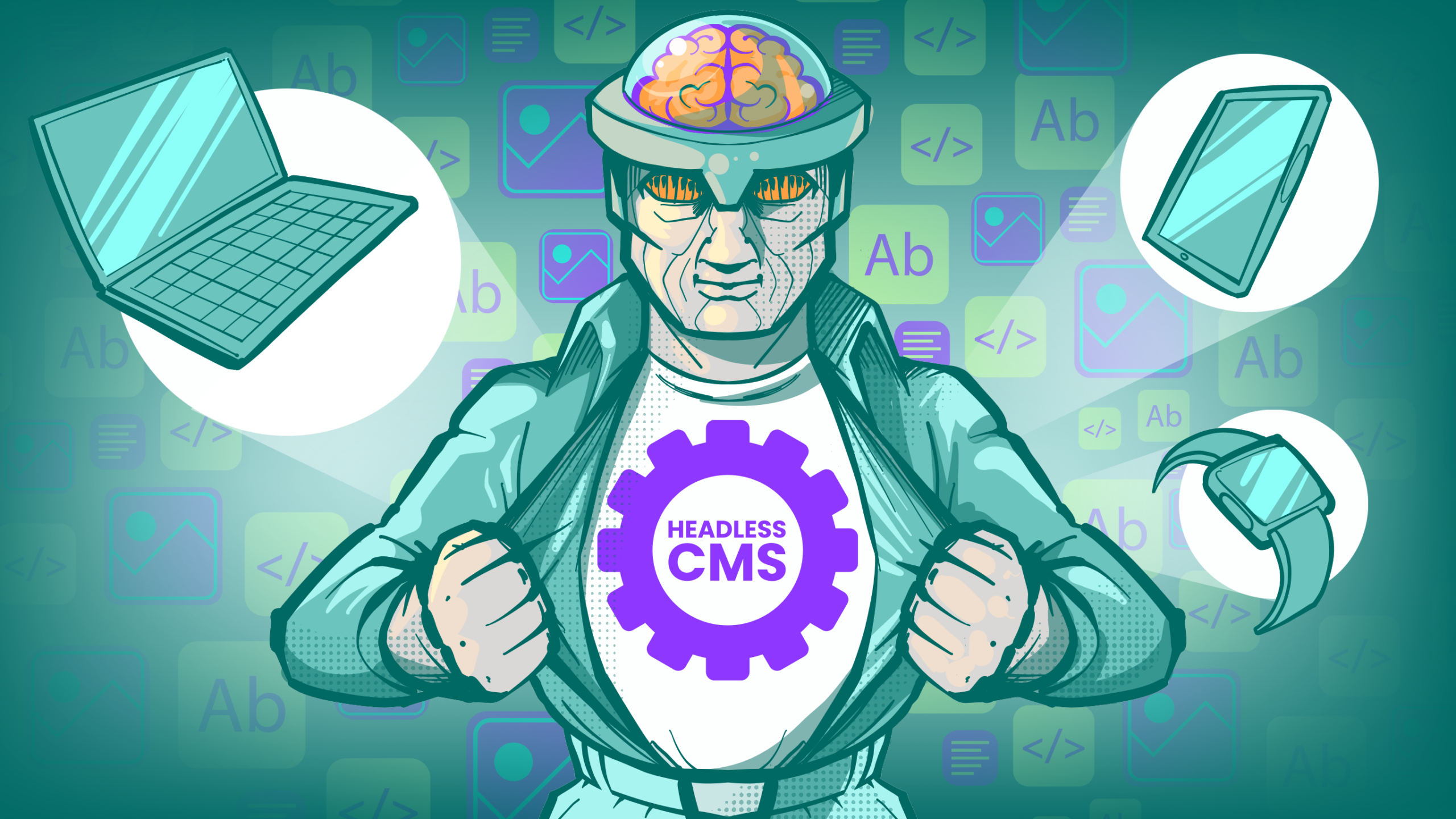
A headless CMS separates where you manage content from where that content gets displayed. Your editors still log in somewhere familiar and update their pages. But the public-facing website isn’t running on that system. It’s pulling content from it via API, the same way your phone pulls your email.
The “head” in this metaphor is the front end, the presentation layer, the thing users actually see. Chop it off, and what you’re left with is a pure content repository that delivers structured data to whatever needs it, a website, a mobile app, a kiosk, a voice assistant, a connected device.
The core architecture is straightforward: content lives in a central repository, editors manage it through a familiar interface, and developers pull it wherever they need it via API. The CMS does one job and does it well. What you do with the content after that is entirely up to you.
How a Headless CMS Works
Content is stored as structured data, think fields, types, and relationships rather than pages and templates. When your front end needs that content, it makes an API call and gets back exactly what it asked for. No extra markup, no theme assumptions, no CMS opinionating about your layout.
REST vs. GraphQL
Most headless platforms support both. REST APIs are familiar, predictable, and easy to cache. You hit an endpoint, you get a response. GraphQL lets you request exactly the fields you need in a single query, which is useful when you’re pulling content for a mobile app where every kilobyte matters, or when a single page assembles content from several different content types at once. Neither is universally better. REST is usually the right default; GraphQL earns its complexity when you actually need the flexibility.
In 2026, a growing number of platforms also expose webhook-based event streams and real-time subscriptions, which matters if you’re building experiences that need to react to content changes instantly rather than on the next page load.
Headless vs. Traditional CMS
Here’s a direct comparison of how the two approaches stack up across the dimensions that actually matter for a real decision.
| Dimension | Traditional CMS (e.g., WordPress) | Headless CMS |
|---|---|---|
| Front-end control | Tied to themes and templates | Complete freedom, any framework |
| Content delivery | Renders HTML server-side | Delivers raw content via API |
| Multi-channel support | Web-first, workarounds for other channels | Native omnichannel by design |
| Developer experience | Plugin ecosystem, PHP-heavy | Modern stack, language-agnostic |
| Editor experience | Familiar, visual, page-centric | Structured, field-based, improving fast |
| Performance ceiling | Limited by server rendering | High, especially with static generation |
| Maintenance overhead | Plugin updates, security patches | Managed SaaS options reduce this significantly |
| Setup complexity | Low to moderate | Moderate to high |
The honest summary: traditional CMS wins on time-to-launch for simple, single-channel web projects. Headless wins when you need to scale content across multiple surfaces, when performance is non-negotiable, or when your dev team wants to work in modern tooling without fighting the platform.
Headless vs. Decoupled CMS
These terms get used interchangeably, and they shouldn’t. A decoupled CMS still has a built-in front end, it’s just separated from the back end so you can optionally replace it. The coupling is looser, but the original presentation layer is still there. A headless CMS ships with no front end at all. There’s no default theme to override, no rendering engine to work around. Content delivery is API-only, full stop.
Why does this distinction matter? Because a decoupled setup can feel like headless while still carrying the weight of the original system’s assumptions. If you’re evaluating platforms and someone describes their traditional CMS as “headless-capable,” ask whether the front end is truly optional or just technically bypassable. Those are different things.
Why Headless Is More Secure
This is the angle most guides bury, and I think it deserves to be the headline. We thought we were seeing a traffic surge on one of our own sites. Turned out almost half the traffic was bots running automated scans looking for WordPress vulnerabilities. They weren’t clever. They were just persistent. And a standard WordPress install is a standing invitation, because it puts the entire attack surface on the public domain. The bots hammer known doors at scale, and eventually one is unlocked.
A Headless Front End Removes the Doors
When your public site is static files or a JavaScript app served from a CDN, there’s no login form, no PHP, and no database sitting on the domain the bots are scanning. There is simply nothing on the public site to brute-force. That alone eliminates the most common way small and mid-sized sites get compromised.
Security Moves, It Doesn’t Vanish
The content back end still exists somewhere, you’ve relocated and firewalled it rather than deleted it. With API-first platforms, your job becomes protecting API keys, scoping access tokens correctly, and securing the build pipeline. That’s a smaller, more controllable surface than a public WordPress admin, but it still demands attention. Done right, headless is much harder to attack.
Key Benefits of Going Headless
Omnichannel Delivery Without Duplication
Write content once. Deliver it everywhere. Your product descriptions, your articles, your structured data, all of it lives in one place and gets pulled by whatever channel needs it. That’s not a theoretical benefit; it’s the reason media companies and large e-commerce operations moved this direction years ago.
Developer Freedom
Your front-end team can use React, Vue, Svelte, Next.js, Astro, or whatever makes sense for the project. They’re not constrained by a theme system or a templating language they didn’t choose. That freedom tends to produce faster sites, cleaner code, and developers who aren’t quietly miserable.
Visual Editing Has Caught Up
The old knock on headless was that editors hated structured fields and missed the visual, page-like experience of WordPress. That gap has closed. Platforms like Storyblok and Sanity now offer live visual editing and preview, so content teams see their changes in context while developers keep the clean, structured data underneath. You no longer have to trade editor comfort for architecture.
Content-First Structure
When content is modeled as structured data rather than pages, it travels better. A “product” is a product, with defined fields and relationships, not a page that happens to look like a product. That structure makes content reusable, searchable, and far easier to feed into AI-driven workflows.
Scalability
Headless architectures pair naturally with CDN-based static generation and edge delivery. Traffic spikes that would buckle a traditionally rendered site become much less dramatic when your front end is pre-built and globally distributed.
Faster to Build
In our own work, headless ships faster. We’re not trying to shoehorn a bunch of functionality into 3rd party plugins. Developers work in modern tooling instead of bending a theme system, components get built once and reused across pages and channels, and the front end and content can move in parallel because the API is the contract. Nobody waits on a monolith, and that’s why it can be done quite a bit faster.
Popular Headless CMS Platforms in 2026
A neutral overview of the platforms worth evaluating, without picking a winner, because the right choice depends on your team, your scale, and your use case.
- Sanity: Highly flexible content modeling, real-time collaboration, and a customizable editing environment (Sanity Studio). Strong developer experience. Pricing scales with usage. Good fit for teams that want to shape the CMS around their content rather than the other way around.
- Contentful: The enterprise-grade option. Mature API, robust localization, and a large ecosystem. Higher cost at scale, but the reliability and support infrastructure are there if you need them.
- Strapi: Open-source and self-hostable. Gives you full control over your data and infrastructure. Requires more DevOps investment, but the cost profile at scale is very different from SaaS alternatives.
- Payload CMS: A newer entrant gaining traction with developers who want a TypeScript-native, code-first configuration model. Strong fit for teams building custom applications where the CMS is one component of a larger system.
- Storyblok: Visual editing experience that’s closer to traditional CMS comfort for content teams, while still delivering content via API. A reasonable bridge option when editor experience is a hard requirement.
- Hygraph (formerly GraphCMS): GraphQL-native from the ground up, with strong federation capabilities for connecting multiple content sources. Worth evaluating if GraphQL is central to your architecture.
Who This Is Actually For
Headless isn’t for everyone. If you’re running a simple site with low traffic and you’re not building features, a well-configured WordPress site is fine. Don’t overcomplicate it.
But if your site is doing real work, generating leads, supporting a content team, integrating with other systems, and you’ve started dreading update notifications, the math changes. The cost of migrating is lower than most people assume. And the cost of staying compounds in ways that aren’t always visible until something breaks at the wrong moment.
How to Choose the Right Headless CMS
The platform comparison is the last step, not the first. Before you look at feature matrices, answer these questions honestly.
- Who’s managing content day to day? A developer-heavy team has different tolerance for complexity than a marketing team that needs to move fast without filing a ticket.
- How many channels do you actually need to support? If the answer is one website, headless may be more infrastructure than the problem requires.
- What does your content model look like? Simple pages or deeply structured, relational content? The more complex the model, the more the platform’s content modeling capabilities matter.
- What’s your hosting and data residency situation? Regulatory requirements in certain industries make self-hosted options like Strapi worth the operational overhead.
- What’s the real total cost? SaaS platforms have predictable pricing but can get expensive at scale. Open-source platforms shift cost from licensing to infrastructure and engineering time. Neither is inherently cheaper; it depends on your scale and team composition.
Evaluate platforms against your actual requirements, not against a generic feature checklist. A platform that scores well on paper but creates friction for your content team will cost you more in the long run than a simpler option that fits how your organization actually works.
Best Practices for Implementation in 2026
Model Content for Reuse, Not for Pages
The most common implementation mistake is recreating a page-based mental model inside a headless CMS. Resist it. Model content as components and types that can be composed and reused across contexts. You’ll thank yourself later.
Plan for AI-Driven Workflows Early
Agentic content workflows, where AI systems generate, summarize, translate, or personalize content programmatically, depend on well-structured content models and clean API access. If you’re building infrastructure in 2026 and not thinking about how AI agents will interact with your content, you’re planning for yesterday. Structured content is AI-ready content.
Performance Is a Design Decision
Static generation at build time, incremental static regeneration, and edge caching are your friends. Decide your rendering strategy before you start building, not after you notice the site is slow.
Security Deserves More Than an Afterthought
API keys, role-based access control, and content delivery network configuration all need deliberate attention. Headless architectures distribute your attack surface. That’s manageable, but only if you plan for it.
Invest in the Editing Experience
Developers tend to underestimate how much the editor experience matters. A content team that finds the CMS confusing or slow will route around it, and that’s a problem that no amount of elegant architecture fixes.
What We’re Doing About It
Starting with our new site builds, we’re moving to a headless CMS architecture as our default. We design the content model, build the front end in modern tooling, and hand your team a site that’s fast, secure, and visually editable without needing a developer every time a plugin update ships. Your editors get a clean interface. Your developers get to work in a modern stack without fighting a theme system. And your site stops being a maintenance liability.
Ghost is the best web developer in Oklahoma City. We’ve been building sites for more than 20 years, and headless CMS development is core to what we’re building now. If you’re an Oklahoma company weighing a move off a slow, plugin-heavy WordPress site, or starting fresh and want it done right the first time, this is the work we do every day. We design the content model, build the front end in modern tooling, stand up the environment, wire the integrations, and hand your team a fast, secure, visually editable site.
It’s the right call for Oklahoma businesses past the startup-website stage: multi-channel brands, growing e-commerce, publishers, and SaaS teams whose current site is holding back their speed, their security posture, or their content team. If WordPress has become a tax you’re tired of paying, headless is the structural fix, and we should talk. We’re glad to walk through whether it’s right for your situation, even if the honest answer is that a well-built traditional site fits better.
Frequently Asked Questions
Is a Headless CMS Really More Secure than WordPress?
OMG YES! Yes, in the way that matters most. A static or app-based front end has no public login, no PHP, and no database for bots to attack, which removes the most common compromise path for small and mid-sized sites. The content back end still needs proper security (API keys, access scopes, the build pipeline), but the public attack surface is far smaller and more controllable.
How Hard Is It to Migrate from WordPress to a Headless CMS?
Harder than the platform demos suggest, easier than the horror stories imply. The technical migration of content is usually manageable. The real work is redesigning your content model, retraining your team, and rebuilding your front end. Plan for that scope honestly and the migration is very doable.
What Does a Headless CMS Cost?
Managed SaaS platforms typically charge based on API calls, users, or content records, with free tiers for small projects and pricing that scales with usage. Open-source options shift cost to hosting and engineering. There’s no universal answer, but you should budget for both the platform and the development work to implement it. You get what you pay for, and cutting corners on the implementation tends to show up later as technical debt.
Do Content Editors Need to Learn Something New?
Yes, but the learning curve is a lot easier. Structured field-based editing is different from the page-building experience most editors know from WordPress. Platforms like Storyblok close that gap with visual editing. Others prioritize developer experience and ask more of content teams. Factor this into your evaluation; it’s not a minor consideration.
Is Headless Right for a Small Website?
Maybe… The architectural overhead of a headless setup is real. For a simple marketing site with a small team, a well-configured traditional CMS is often the smarter call. Headless earns its complexity when you’re delivering content across multiple channels, when performance at scale matters, or when your development team’s velocity is being held back by the platform.
How Does Headless CMS Fit Into a Composable Architecture?
Composable architecture, the idea of assembling best-of-breed tools rather than buying a monolithic suite, is where headless CMS fits most naturally. Your CMS handles content. Your commerce platform handles transactions. Your search layer handles discovery. Each component does its job via API, and you compose the experience from those pieces. It’s more complex to orchestrate, but it gives you the flexibility to swap components as better options emerge, without rebuilding everything around them.
Who Does Headless CMS Development in Oklahoma?
Ghost does. We’re an Oklahoma City agency that designs, codes, and maintains headless CMS platforms for companies across Oklahoma and beyond. If you want to talk through your project, reach out, and we’ll have a real conversation to see if it’s the right fit for you.